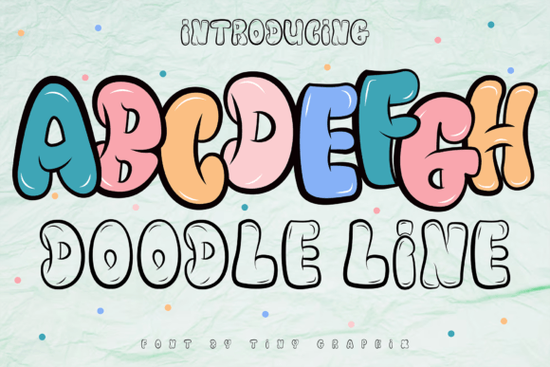
If you're working on a project that needs bold personality whether it’s a logo, game asset, or streetwear brand the Doodle Line Font offers a playful yet edgy solution. Inspired by urban street art, this display font uses energetic lines and hand-drawn flair to bring a sense of movement and authenticity to your designs. It’s especially useful for creators who want something eye-catching without looking overly polished or corporate.
Unlike traditional typefaces, Doodle Line Font leans into imperfection as part of its charm. The strokes mimic the spontaneity of marker sketches or spray-paint tags, making it ideal for projects where attitude matters more than formality. Think indie game titles, skate shop logos, animated shorts, or even social media graphics that need to stand out in a crowded feed.
What kinds of projects work best with Doodle Line Font?
This font shines when used in contexts that benefit from a youthful, rebellious, or creative vibe. Here are a few real-world examples:
- Game UI and packaging – Its cartoonish energy fits perfectly with mobile games, platformers, or arcade-style visuals.
- Branded merchandise – T-shirts, stickers, and posters for music festivals, pop-up shops, or youth-focused brands.
- Logo design – Especially for startups or side hustles in creative fields like art studios, cafes, or digital content.
- Social media assets – Quotes, announcements, or reels that need quick visual impact.
Because it’s a display font, it’s not meant for body text or long paragraphs. But for headlines, badges, or short phrases? It delivers instant character.
How does it compare to other graffiti-inspired fonts?
Not all street-style fonts feel authentic. Some lean too clean; others become illegible. Doodle Line Font strikes a balance it’s readable but still raw. If you’ve tried fonts like Bubble Skelly, which leans more into comic horror, or Cowboy Block, which channels Western signage, you’ll notice Doodle Line Font occupies its own lane: modern, urban, and slightly mischievous.
For contrast, check out Back to Vintage if your project calls for retro diner or 70s nostalgia, or Gemstone for something sleek and geometric. And if you prefer bold sans-serifs with a minimalist edge, Motcha might be worth exploring alongside Doodle Line Font for layered typographic compositions.
Is it easy to use for beginners?
Yes. Once installed, Doodle Line Font works like any standard OTF or TTF file in design software such as Adobe Illustrator, Canva (with uploaded fonts), Affinity Designer, or Procreate. No special plugins needed. Most users find they can drop it into a layout and get great results immediately especially when paired with solid background colors or simple vector shapes.
Pro tip: Avoid overcomplicating your layout. Let the font be the focal point. Pair it with neutral sans-serifs (like Helvetica or Montserrat) for supporting text, and keep color palettes limited to 2–3 tones max for maximum readability.
Where can I see it in action?
While Creative Fabrica doesn’t host live demos for every font, you can preview how Doodle Line Font looks through user-uploaded mockups or by testing it in your own design tool. For reference, similar styles appear in indie game interfaces and urban apparel branding think less “corporate ad,” more “neighborhood mural.” You can also explore the full listing for Doodle Line Font to view character sets, licensing details, and customer examples.
Remember: always check the license if you’re using it for commercial print-on-demand items (like mugs or t-shirts). Most Creative Fabrica fonts include a commercial-use license, but it’s good practice to confirm.
Quick checklist before you buy
- ✅ Does your project need a casual, hand-drawn look with urban energy?
- ✅ Are you using it for headlines, logos, or short phrases not body text?
- ✅ Have you reviewed the license for your intended use (personal vs. commercial)?
- ✅ Do you have a backup plan if legibility becomes an issue at small sizes?
If most of those boxes are checked, Doodle Line Font could be a fun and functional addition to your toolkit especially if you’re tired of sterile, overused typefaces and want something that feels alive.
Explore Design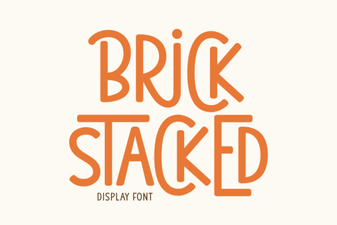 Brick-Stacked Typography: Bold Design Projects
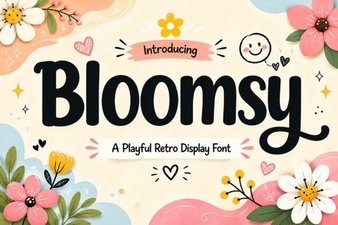 Bloomsy Font: Elegant Typography for Creative Projects
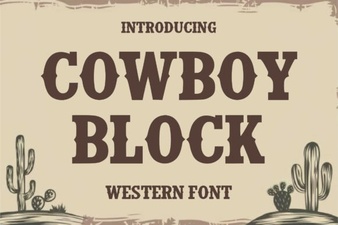 Craft Projects with the Cowboy Block Font
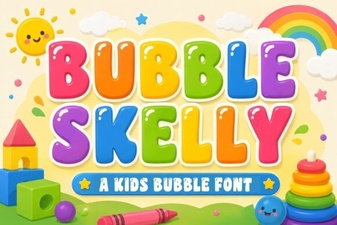 Bubble Skelly Font: Creative Projects and Tips
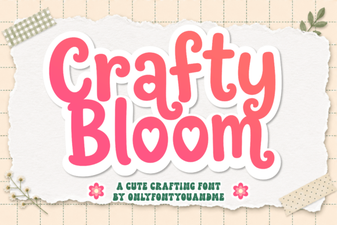 Crafty Bloom Font: Download & Creative Design Ideas
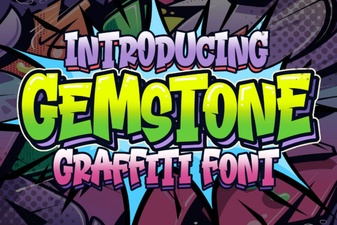 Gemstone Font Styles for Creative Design Projects